
Download Diffusion Studio
Bring the complete creative platform to your desktop and unlock agentic video workflows.
macOS 12+ with an M1 chip or later.
Get started
Three steps to get started and edit with your agent.
-
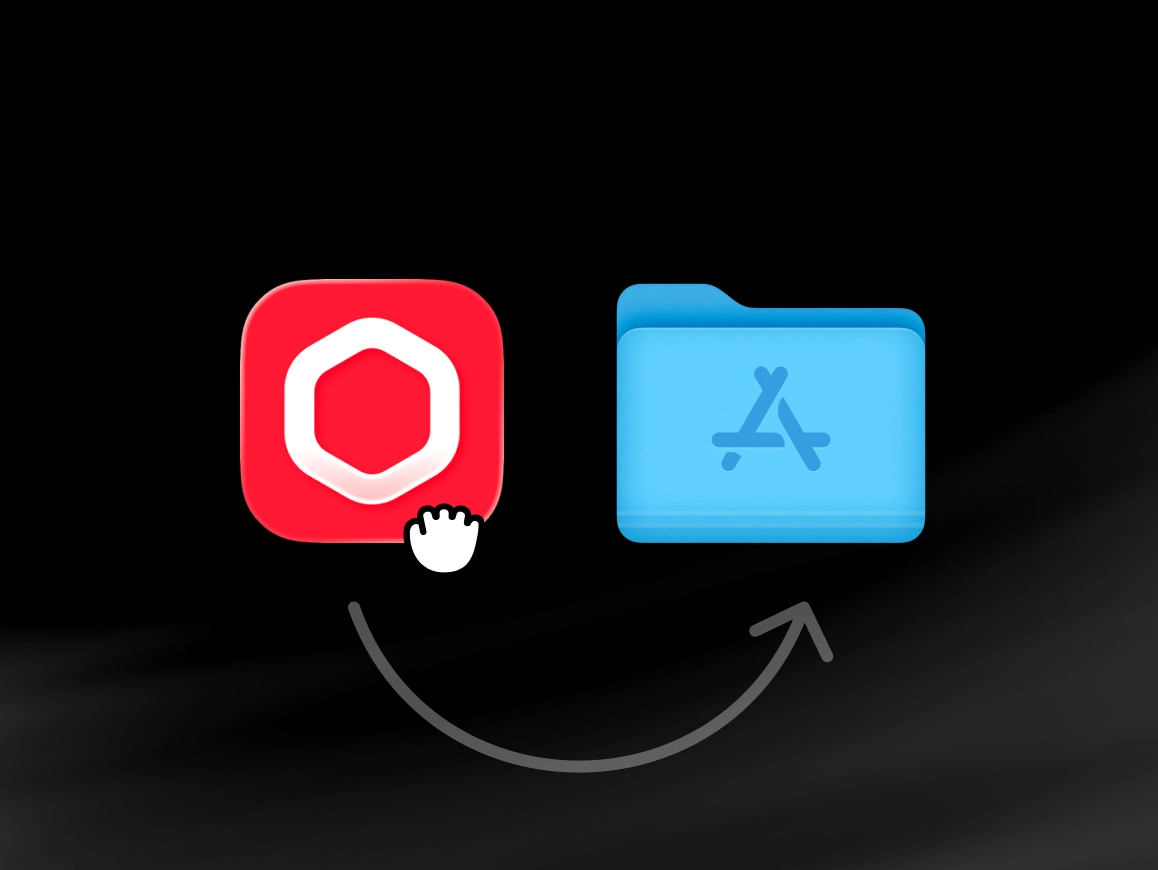
Install Diffusion Studio
Open the downloaded DMG file, drag Diffusion Studio into your Applications folder, then launch it from there.
-
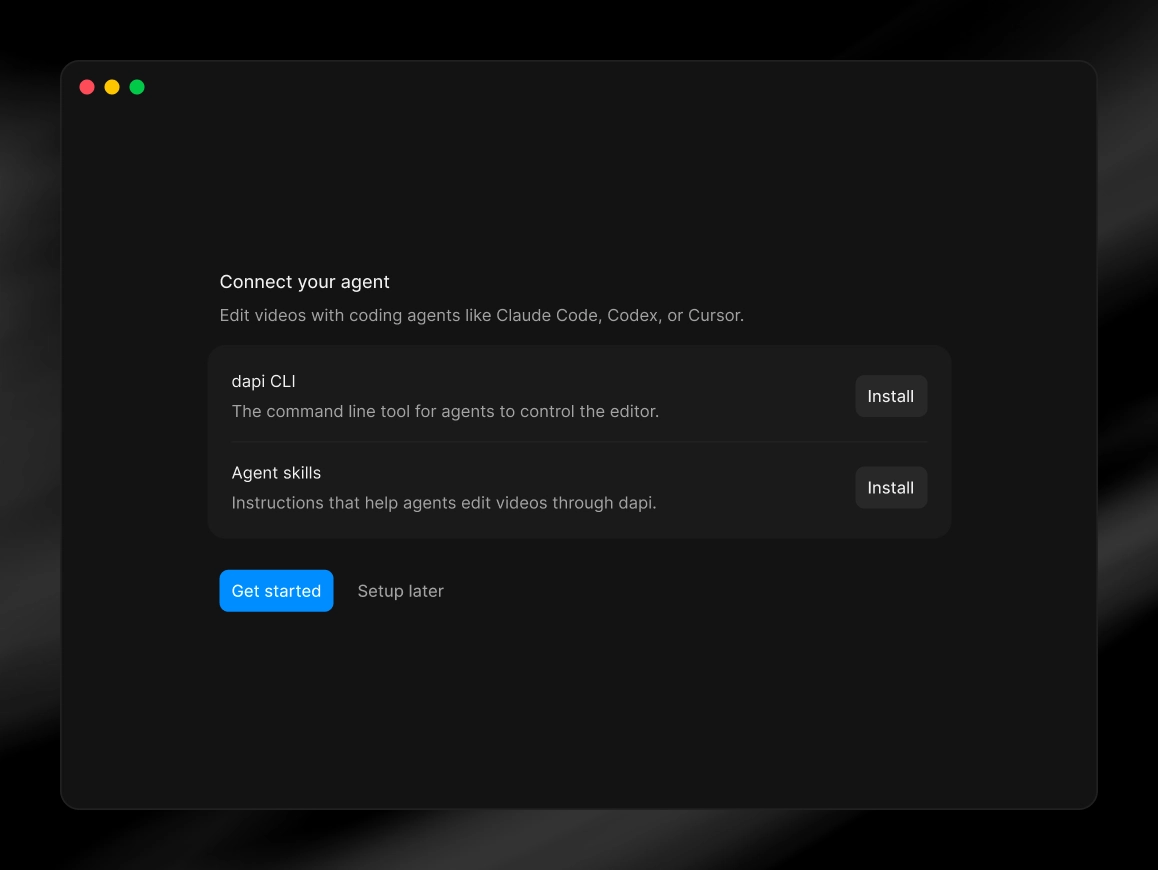
Connect your agent
Open Diffusion Studio, then complete agent setup at launch by installing dapi CLI and agent skills.
-
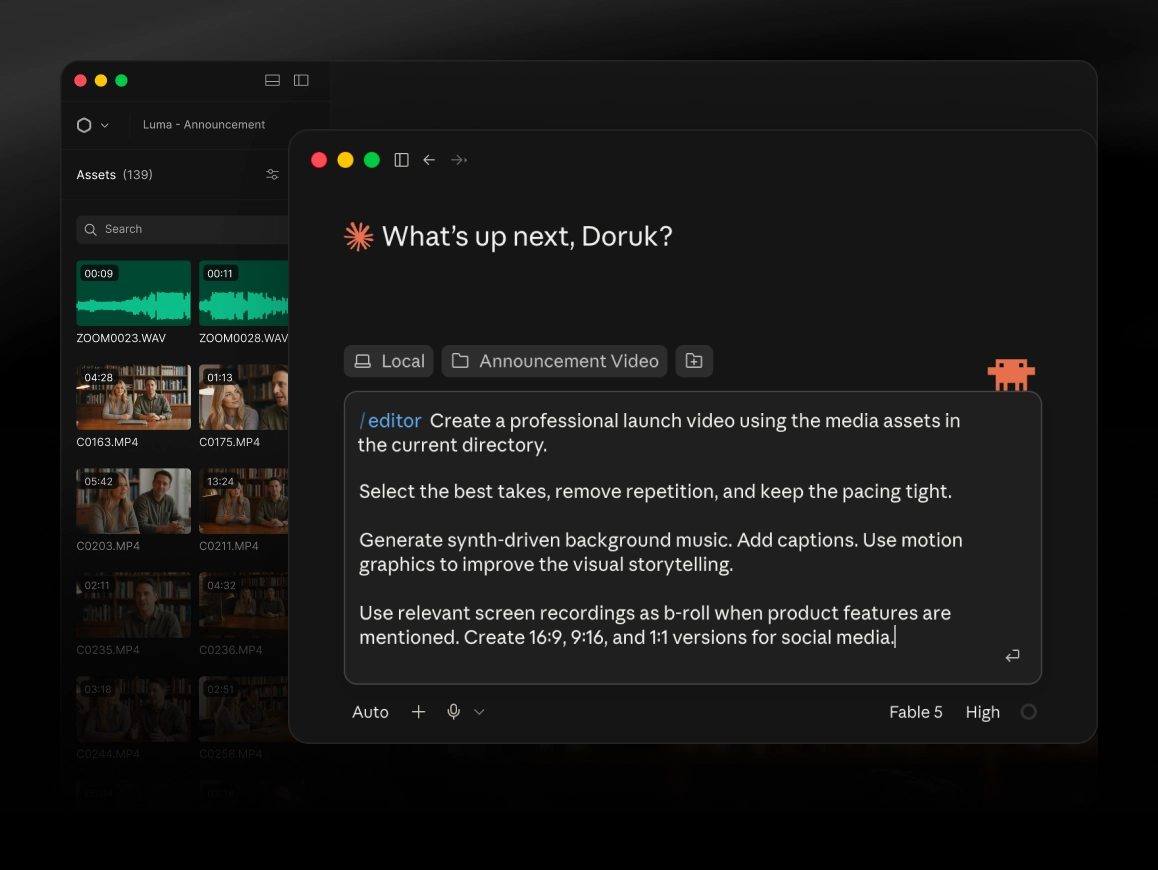
Edit with your agent
/editor is the main skill you'll use. Ask for what you want in plain language, your agent will handle the rest.
Prefer the terminal?

$ brew install --cask diffusionstudio/tap/editor $ git clone https://github.com/diffusionstudio/editor.git $ npx skills add diffusionstudio/skills -g -y --all