
Download Diffusion Studio Get Diffusion Studio on your desktop.
Bring the complete creative platform to your desktop and unlock agentic video workflows. Available for macOS and Windows. Enter your email and we’ll send you a download link.
macOS 12+ with an M1 chip or later. Windows x64.
Get started
Three steps to get started and edit with your agent.
-
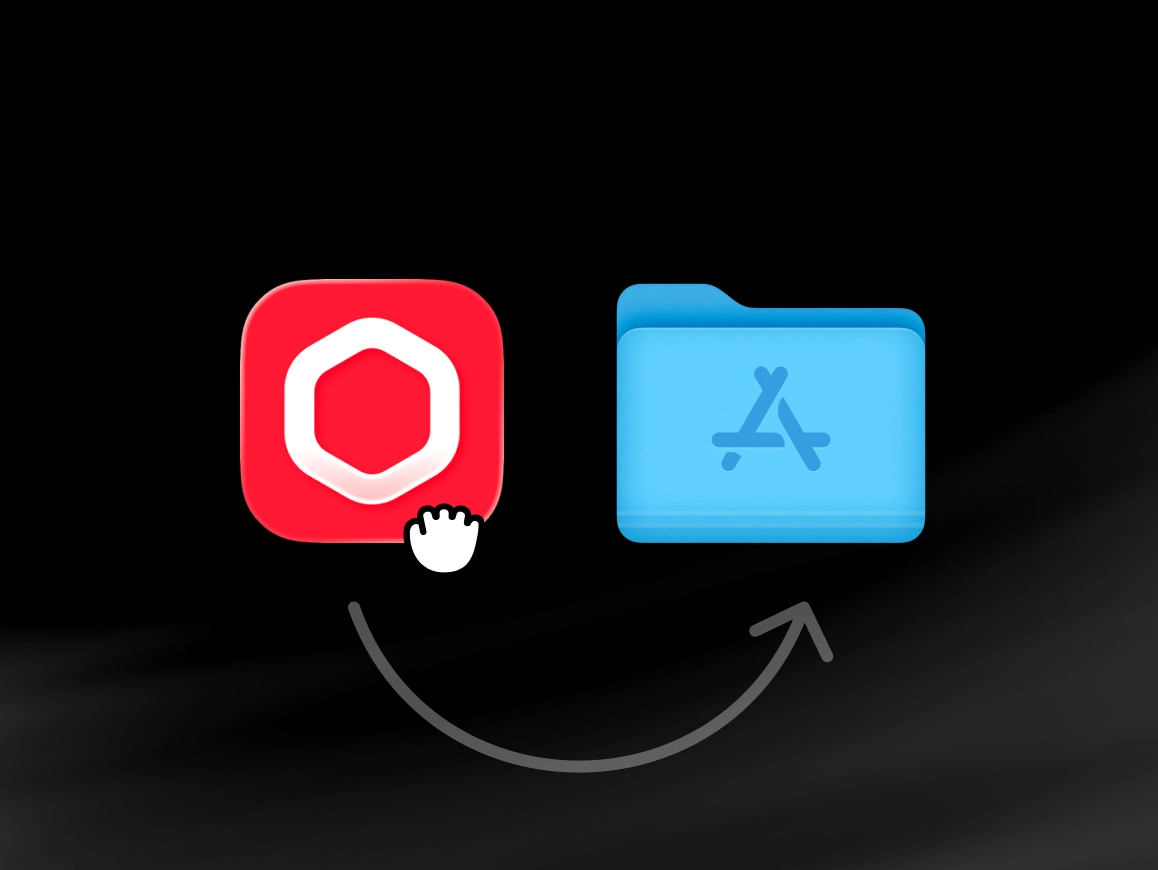
Install Diffusion Studio
Open the downloaded DMG file, drag Diffusion Studio into your Applications folder, then launch it from there.
-
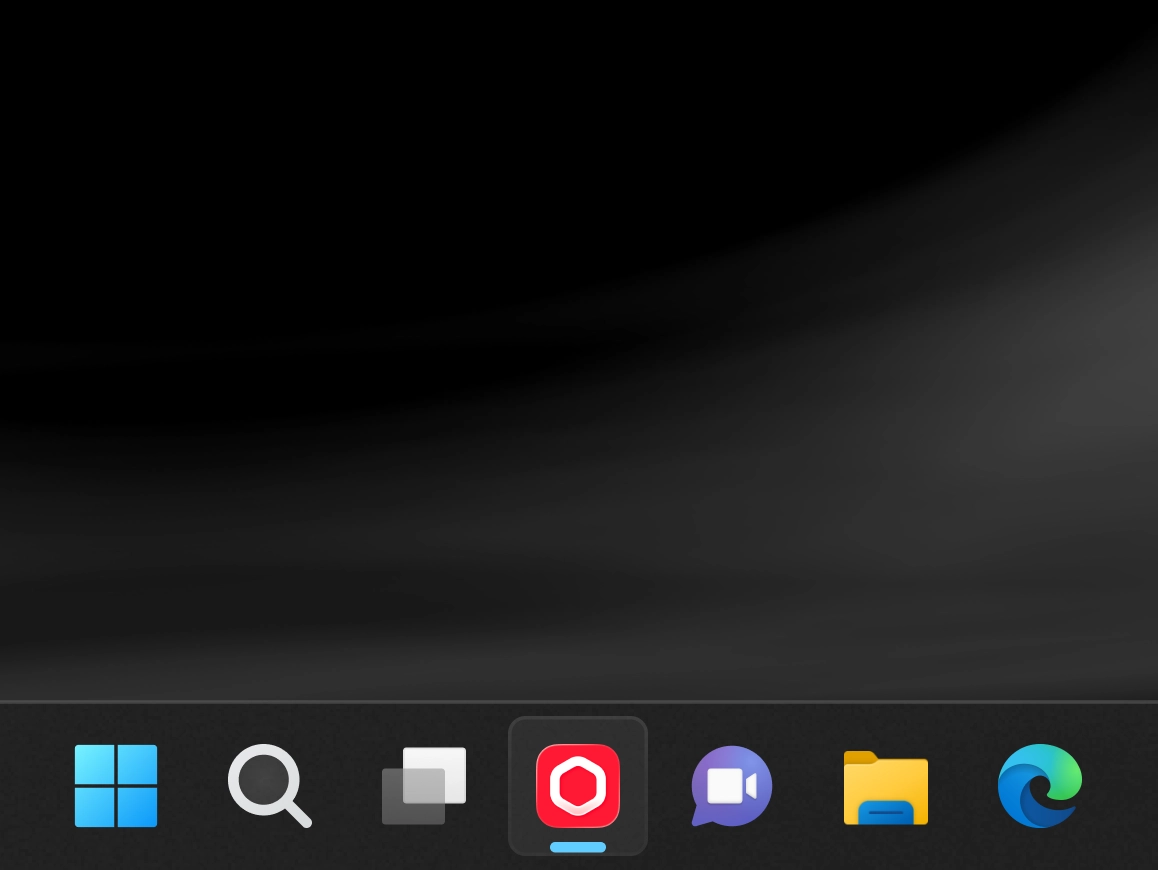
Install Diffusion Studio
Open the downloaded .exe installer, complete the setup, and then launch Diffusion Studio.
-
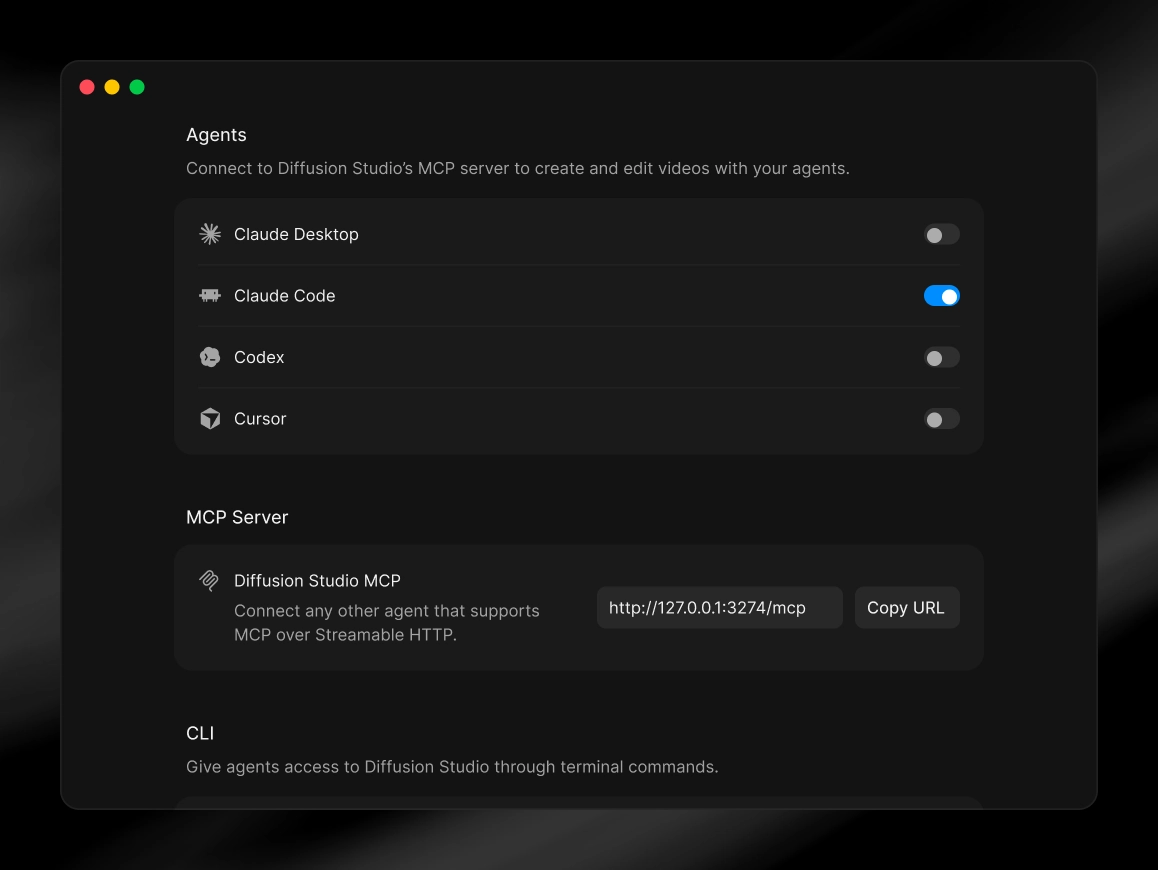
Connect your agent
Open Diffusion Studio, then connect your agent and install the dapi CLI in Settings under MCP & CLI.
-
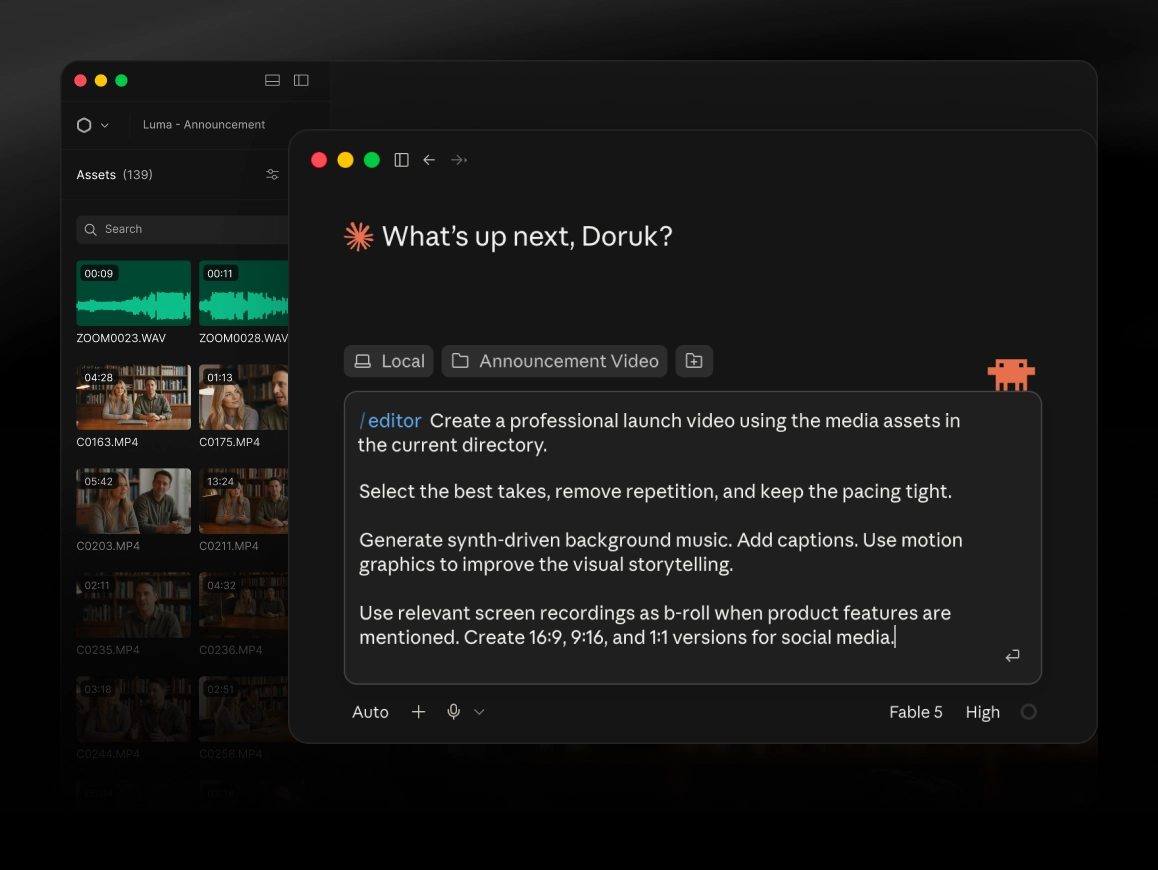
Edit with your agent
Ask for what you want in plain language, in your agent or in the Chat tab inside the editor. Your agent handles the rest.
Prefer the terminal?

$ brew install --cask diffusionstudio/tap/editor $ git clone https://github.com/diffusionstudio/editor.git $ npx skills add diffusionstudio/skills -g -y --all