Native font support and text editing
Text-to-lottie now supports native text rendering and editable text slots. Scenes can include real fonts, text slots appear in the properties panel, and edits update the canvas instantly on commit. Exports bundle fonts alongside the Lottie JSON.
npx skills add diffusionstudio/lottieNative text and editing
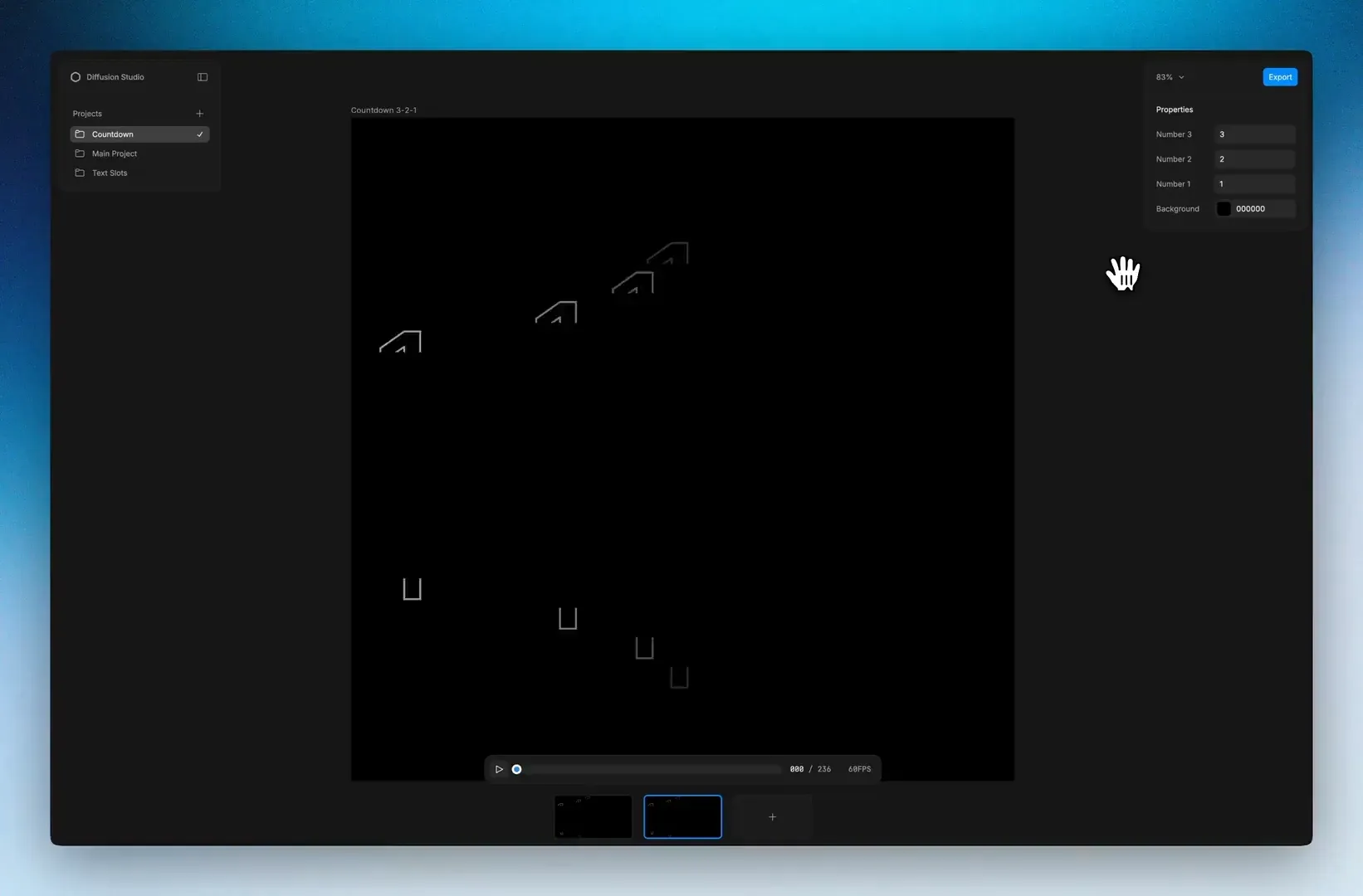
The player renders font-backed Lottie text natively. Text slots show up in the properties panel with their current values. Change the text and the canvas updates instantly. Colors and numbers work the same way.
One control can drive multiple slots at once using grouped targets. Repeated text like brand names, dates, or CTAs stays in sync from a single field. Grouped slots are hidden from the panel so they do not clutter the UI.
Templates
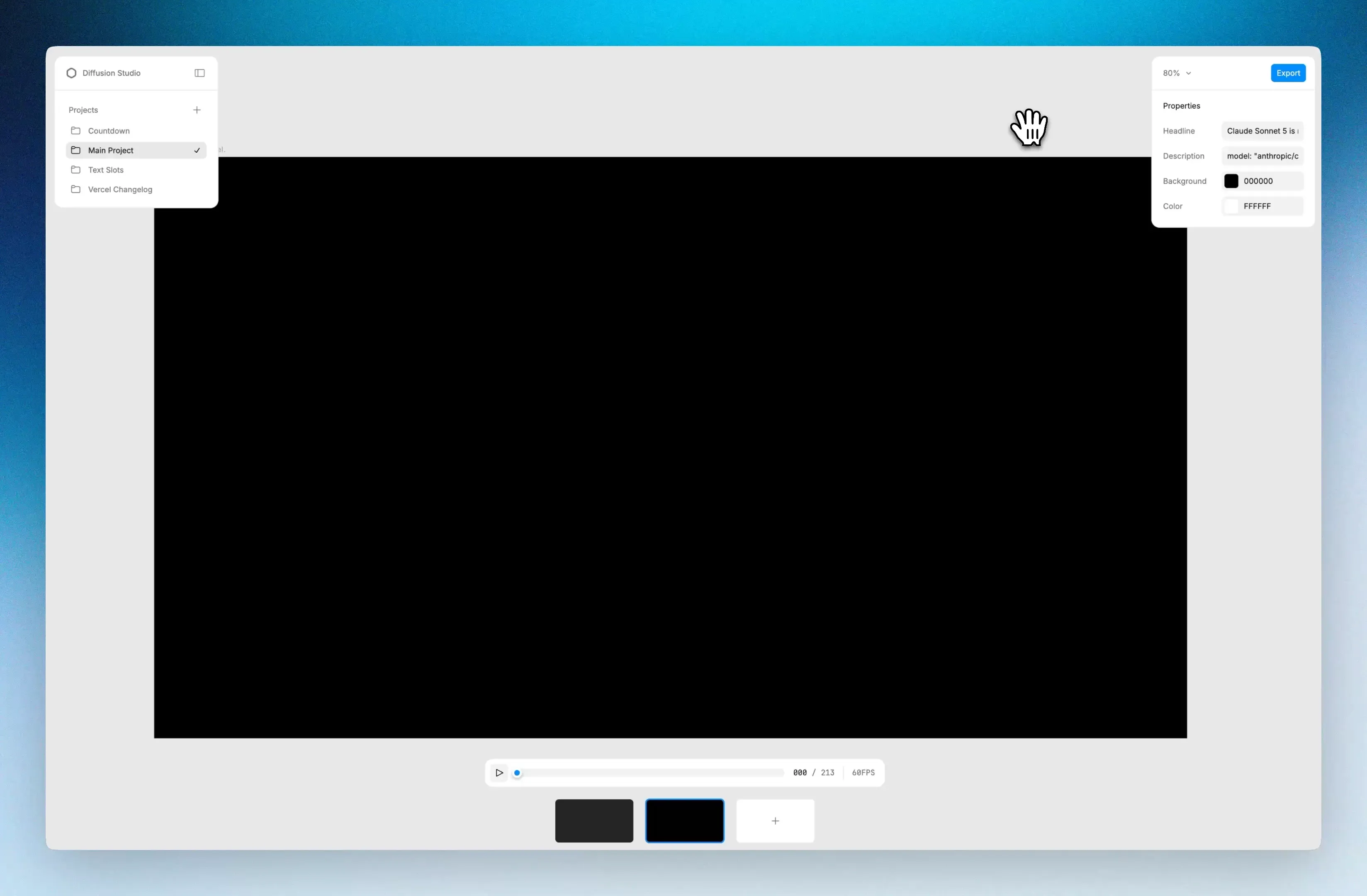
Generate a Lottie template once, then reuse it by changing the content from the properties panel. Swap the headline, description, colors, and export a new version without regenerating the animation.
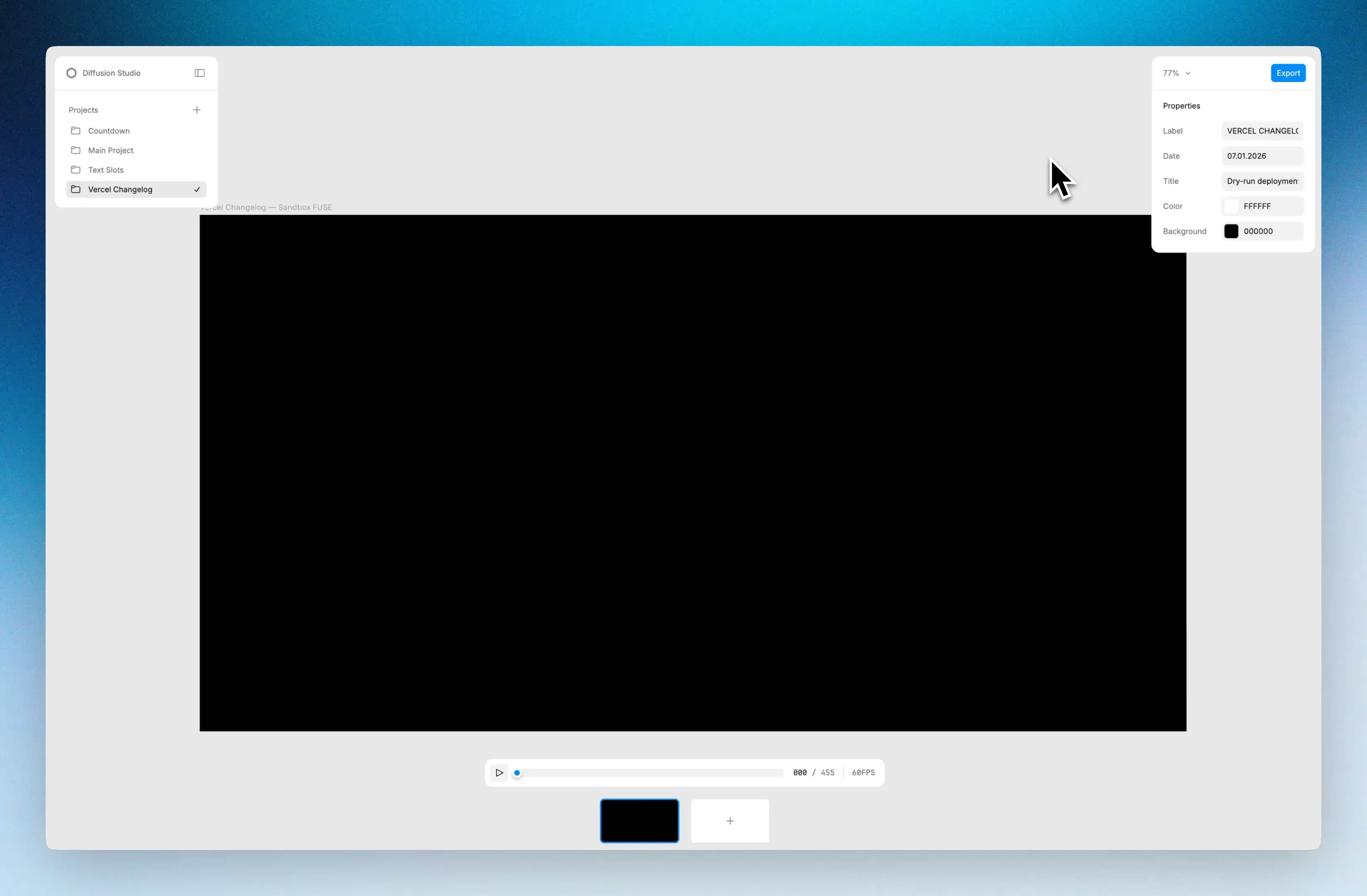
Same brand, different composition. Existing scenes give the skill context to produce new ones that stay consistent.
What else is new
- Multiline text wrapping using box text for longer copy
- Unicode safe text persistence for accented characters, symbols, and special characters
- Ordered slot controls in the properties panel
- Bug fixes