All updates
Version 0.125.1 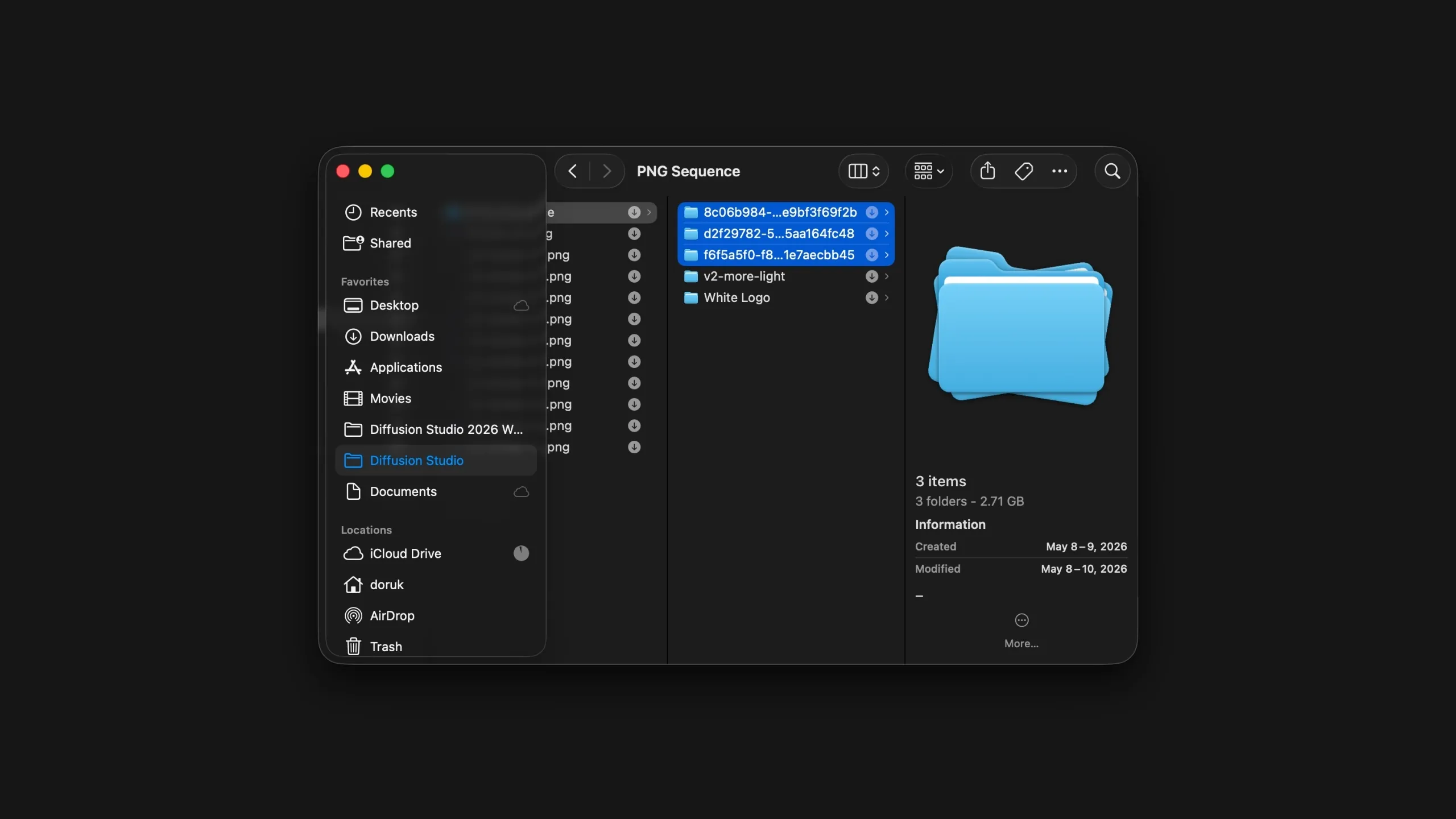 0:00 / 0:00
PNG sequence import
PNG sequence import is now available in Diffusion Studio.
If you work with tools like Blender or Cinema 4D, you often end up with a folder of numbered frames. Until now, getting those into an editor meant converting to video first, or switching to another tool. That step is gone.
How it works
Drag your PNG sequence folder straight onto the timeline or into your assets panel. Diffusion Studio reads the frames in order and brings them in as a single clip, ready to edit, layer, or export.
Once the sequence is on your timeline, open the time settings in the right sidebar to set the frame rate. Match it to your render output, whether that is 24, 30, or 60 fps.
What else is new
- Performance improvements across the editor
- Bug fixes and stability updates